Both directions, in seconds.
Add, move or delete an event on one of your 2 calendars. The other catches up within seconds.
2calendars keeps your 2 calendars in sync. Every event shows up on the other calendar as Busy, so nobody double-books you and nobody sees the details.
Connected Google accounts
 Workalex@acme.comConnected
 Personalalex@gmail.comConnected
+ Add an account
Copy events from
Personalalex@gmail.com
To
Workalex@acme.com
Show them as
Your syncs
If a sync stops working, we'll email you right away.
Only the time crosses over. Title, notes, location and guests stay where they are.
Synced blocks are set to Private in Google Calendar, so people you share with see only “busy”.
Guests are never copied unless you turn that on, so nobody gets invited twice.
You grant access on Google's own screen. We never ask for or store your password.
Add [nosync] to an event title and it stays off the other calendar.
Delete your account and your syncs, rules and Google tokens are deleted with it.
Add, move or delete an event on one of your 2 calendars. The other catches up within seconds.
Skip tagged events or declined invites. On Pro and Business, skip anything outside your working hours.
We watch every sync and email you the moment one needs attention.
Work, personal, every client. Connect as many Google accounts as you need.
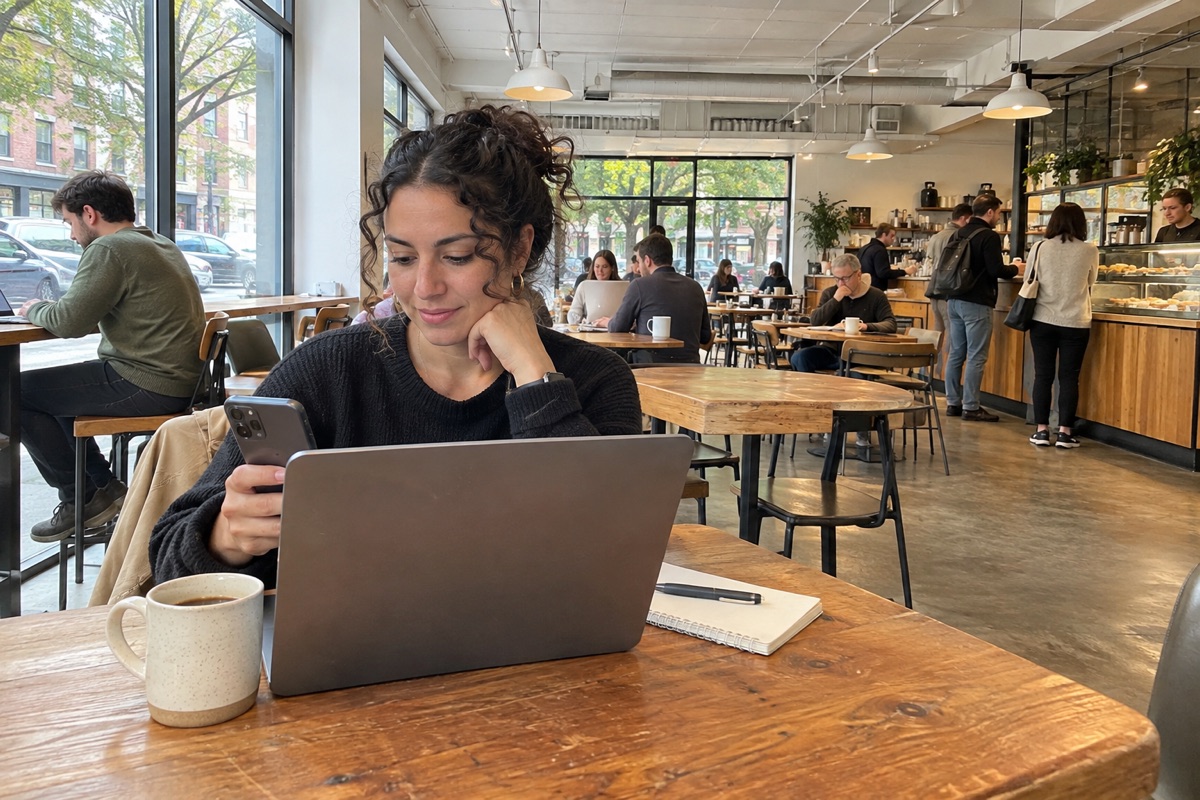
Freelancers
A call booked with one client blocks the time on the others' calendars. They see Busy, never who you're meeting.

Working parents
School pickup blocks your work calendar, so no one books a 3:30 meeting. Your team sees Busy, nothing more.
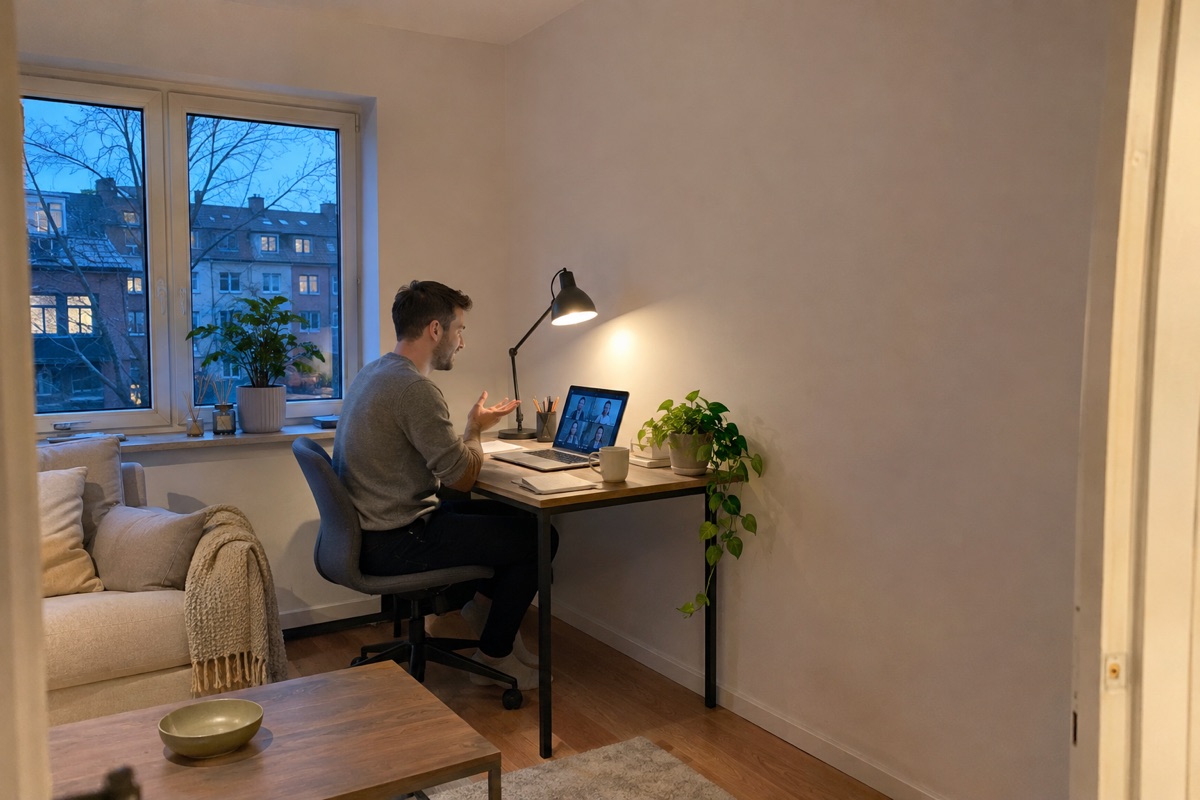
Side projects
A customer books a 7 PM demo for your side business. Your day-job calendar blocks the evening on its own.
| Feature | 2calendars | Calendar sharing | Copying by hand |
|---|---|---|---|
| Blocks time on the other calendar | Yes | No | Yes |
| Hides what the event is | Yes | Depends on settings | Yes |
| Enter each event once | Yes | Yes | No |
| Moves and deletions follow | Yes | Yes | No |
| Choose the title others see | Yes | No | Yes |
$0forever
Start free$7/ month
Try Pro free for 14 days$19/ month
Try Business free for 14 daysPrices in USD. Any applicable tax is shown at checkout.
Buy licenses of any plan for your whole team. Admins handle billing and hand out licenses — members never see a checkout. Prefer to pay by invoice and bank transfer? Contact us.
Sharing lets someone look at your calendar. 2calendars puts a Busy block on your other calendar, so its free time is actually right, for you, your colleagues and any booking tool that reads it.
By default, a block marked Busy with the same start and end time. No title, notes, location or guests. You can show the original title instead, or a custom title on Pro and Business.
Usually within seconds. Google tells us the moment an event changes, so there's no hourly batch. Busy periods on Google's side can occasionally add a short delay.
Yes. If your organization restricts third-party apps, your Google Workspace admin may need to allow 2calendars first.
Yes. Add [nosync] anywhere in the event title and it won't be copied. You can also add rules to skip declined invites or, on paid plans, events outside your working hours.
No. 2calendars never syncs the blocks it created, so a two-way sync doesn't multiply them.
You keep your plan until the end of the billing period, then move to Free. Free includes one sync connection, so your oldest one stays and the others are removed, along with the events they created.
By card through Stripe, billed monthly. Pro and Business start with a 14-day free trial. Teams can also pay by invoice.